Connect to your computer. From your phone or from another computer.
Install Remotiva on the computer you want to control. Then connect from the phone in your pocket or from another computer on your desk. No account needed to get started.
Your phone is ready, your computer is ready.One ID. One PIN. The desktop in front of you.
In three steps your phone becomes a remote control for your computer.Both computers run the same desktop app; one connects, the other approves.


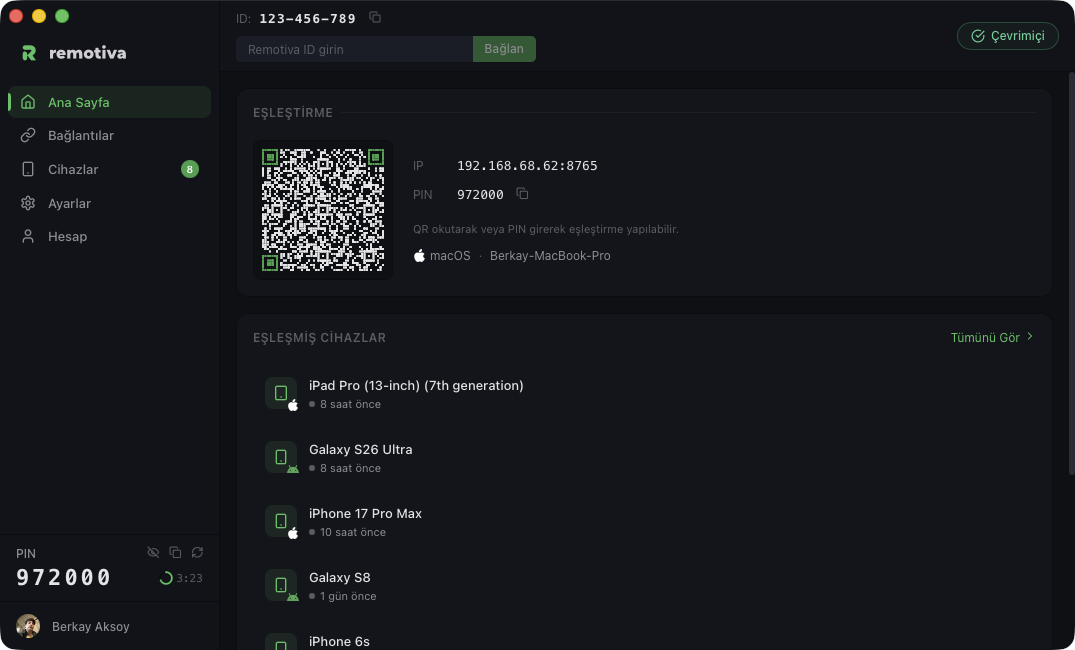
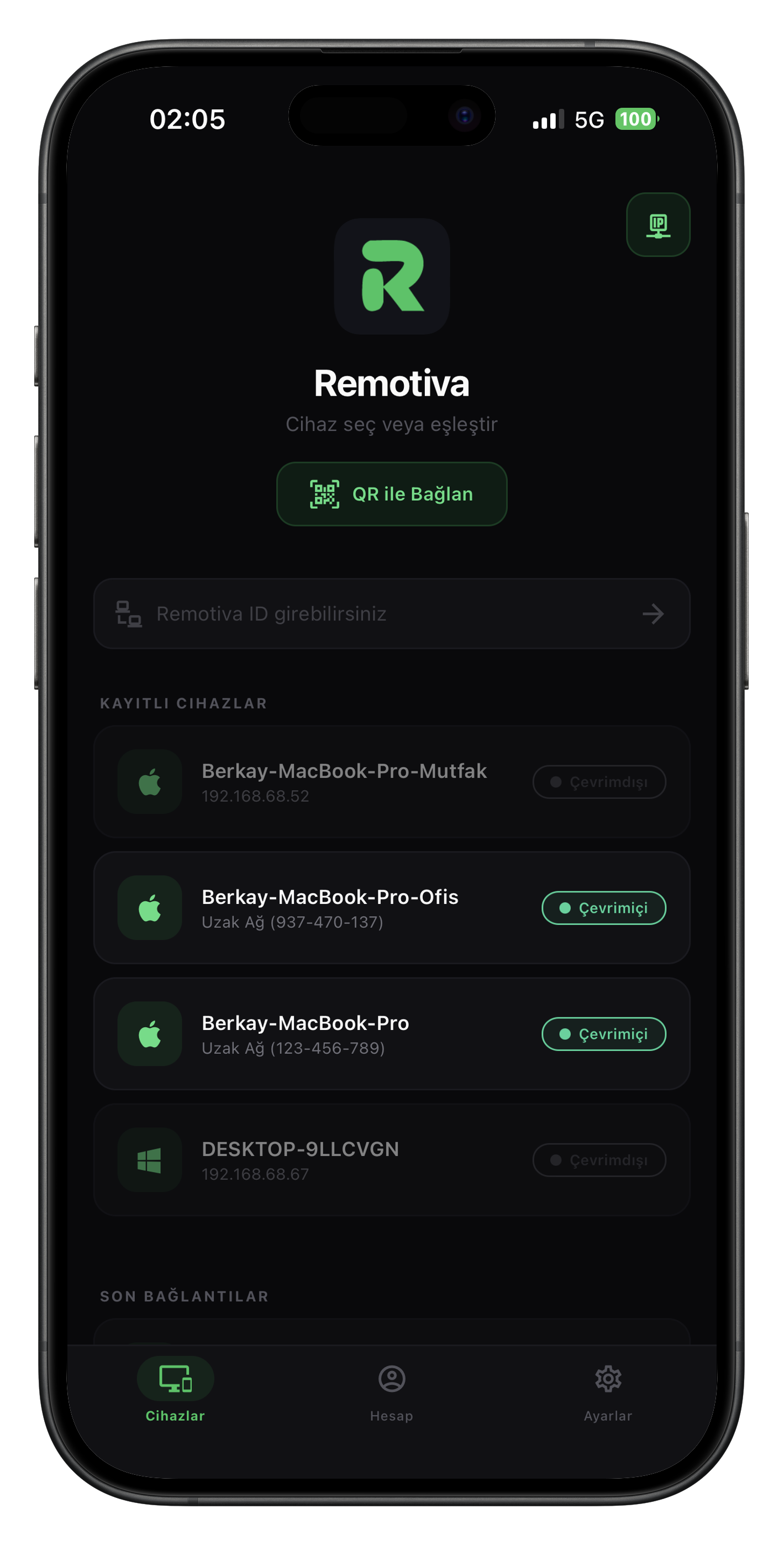 QR = instant pairing
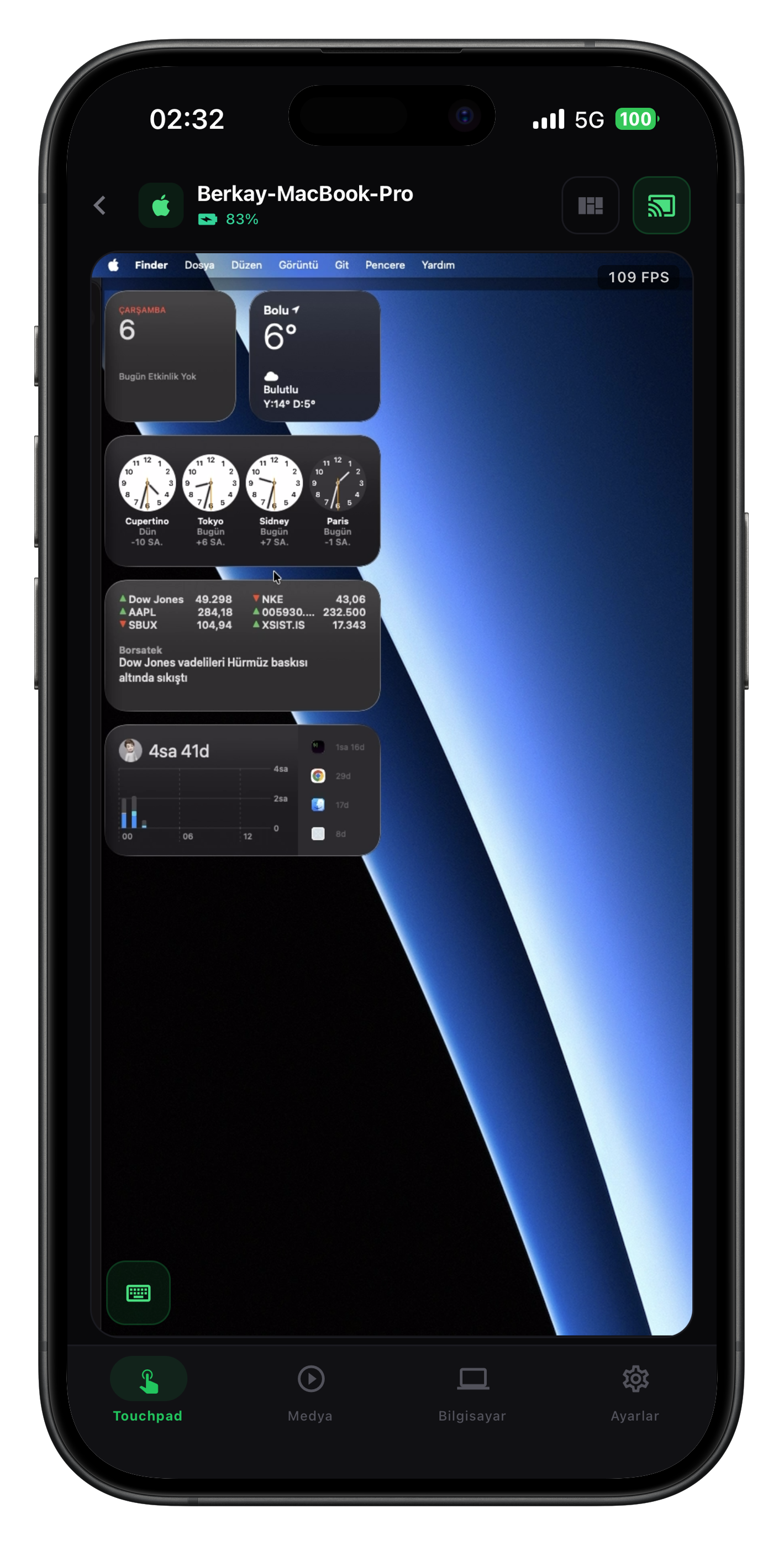
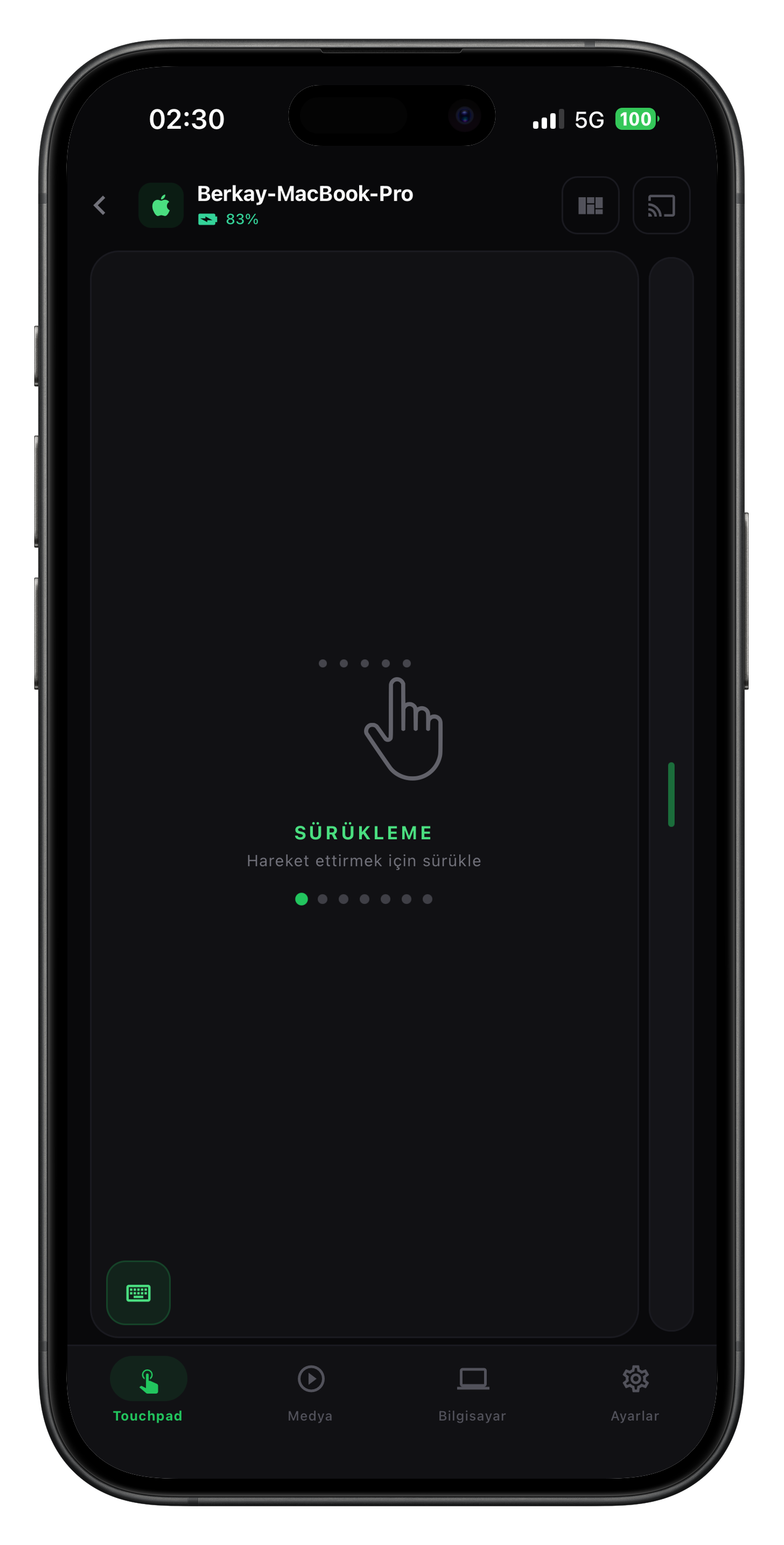 Screen + touchpad
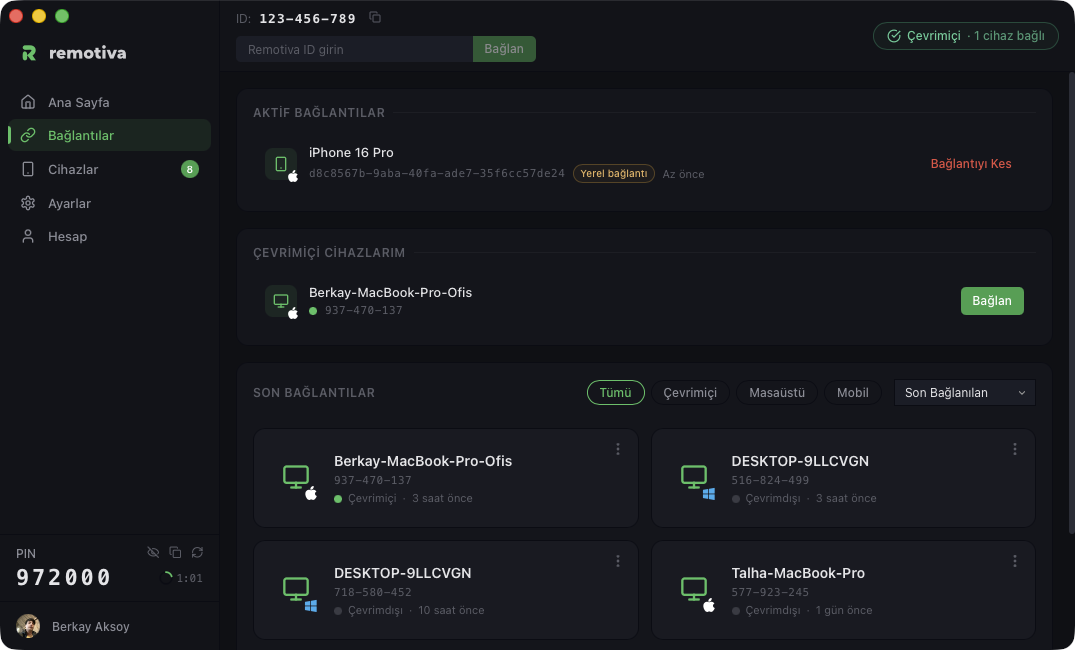 ID + PIN approval
Whichever way you come in, the same protection.
Whether you connect from a phone or a computer, after pairing every connection runs device to device.
Manually set up connections require PIN approval. When you pair by scanning the QR code with your phone, approval is automatic.
After pairing, screen and input data flow directly between the devices.
The connection between the devices is end-to-end encrypted, the same on both paths.
The server only makes the introduction. It helps the devices find each other. Your screen and keystrokes do not pass through the server; they go device to device.
From a different network? Connecting from a different network requires Remote access (depending on your plan). The same for phones and computers.
See plans