Desktop to desktop
Your office, right on the screen in front of you.
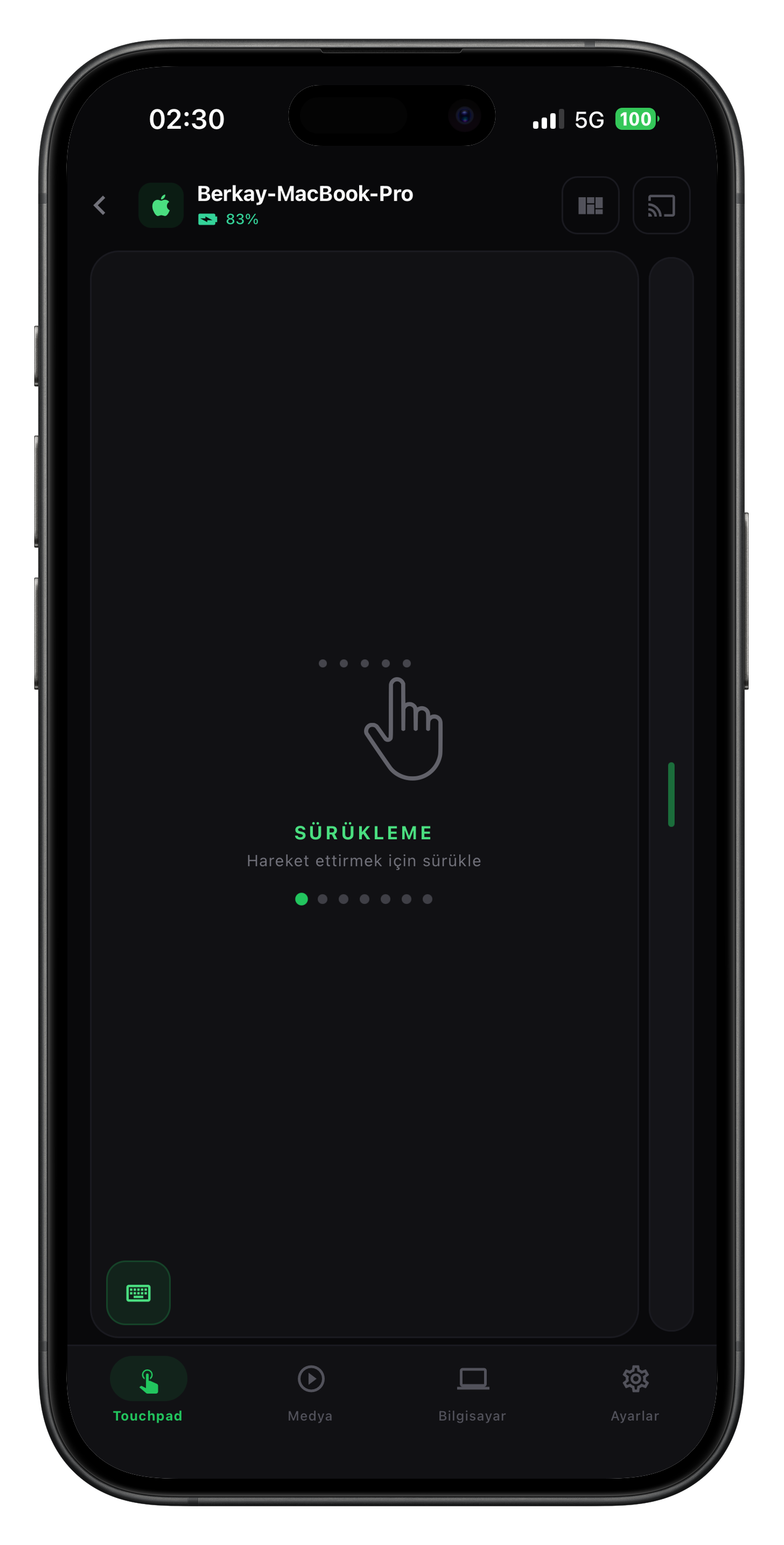
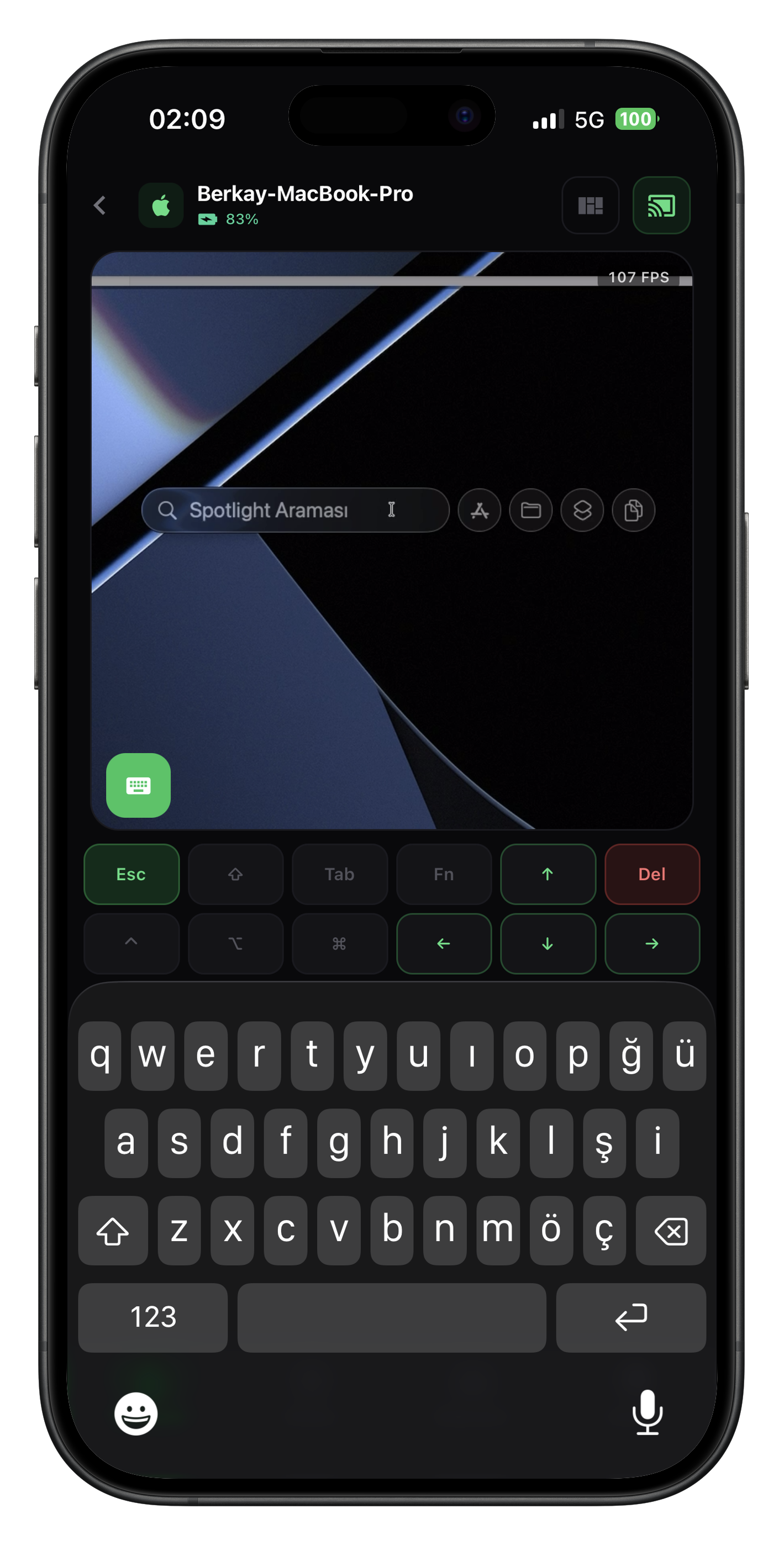
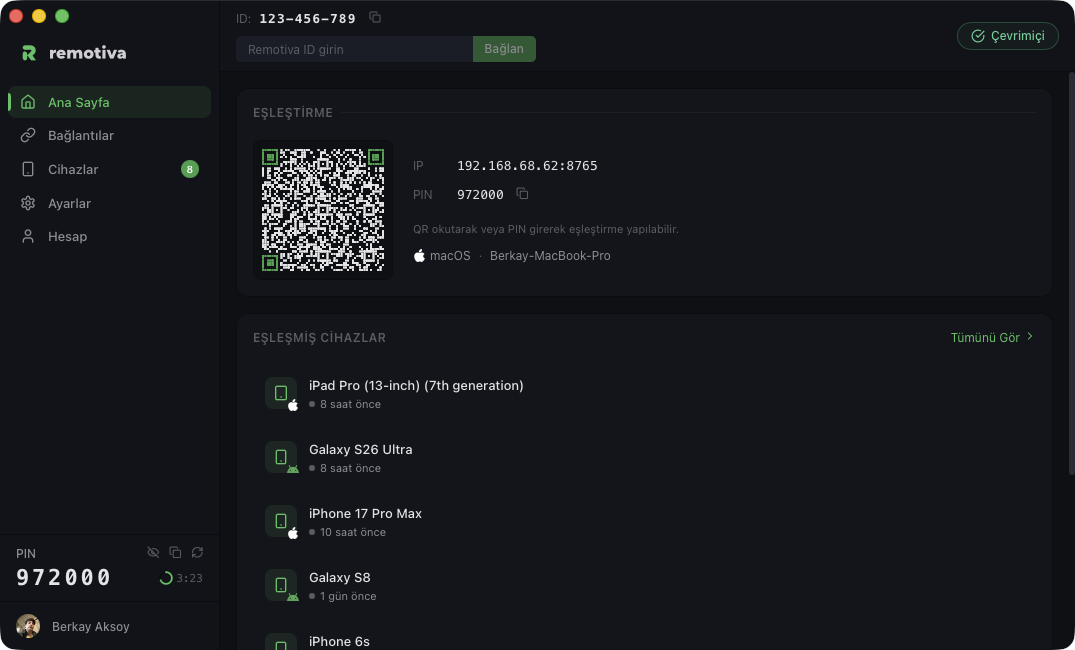
Connect from your home computer to the one at the office. The remote desktop opens in a window; the mouse and keyboard are yours.
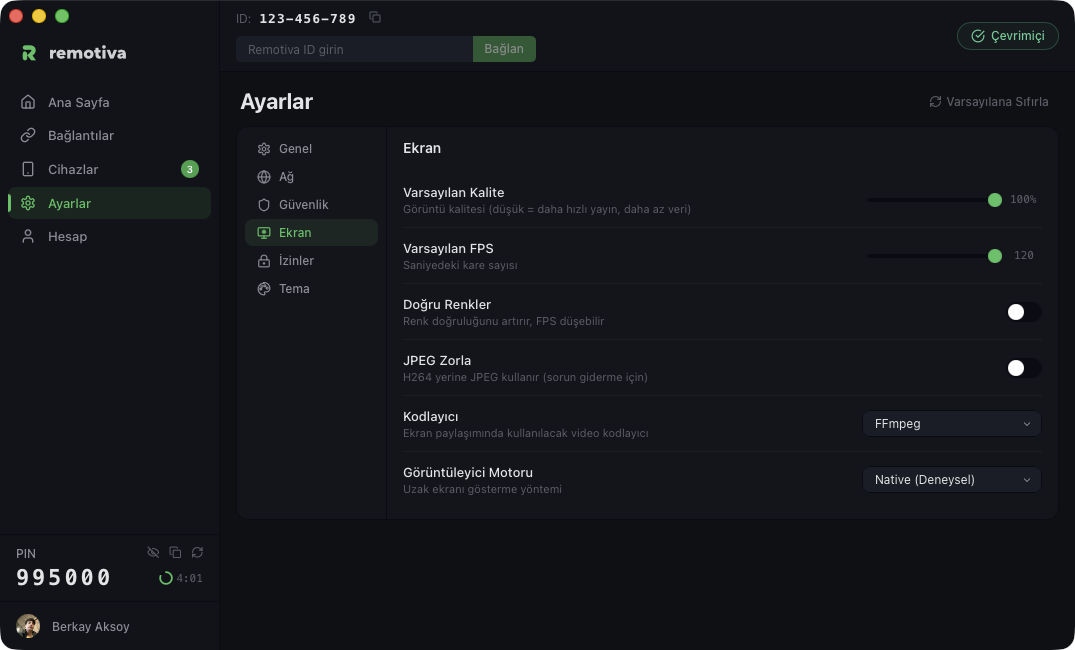
Move your cursor over the scene
9
3
7
-
4
7
0
-
1
3
7
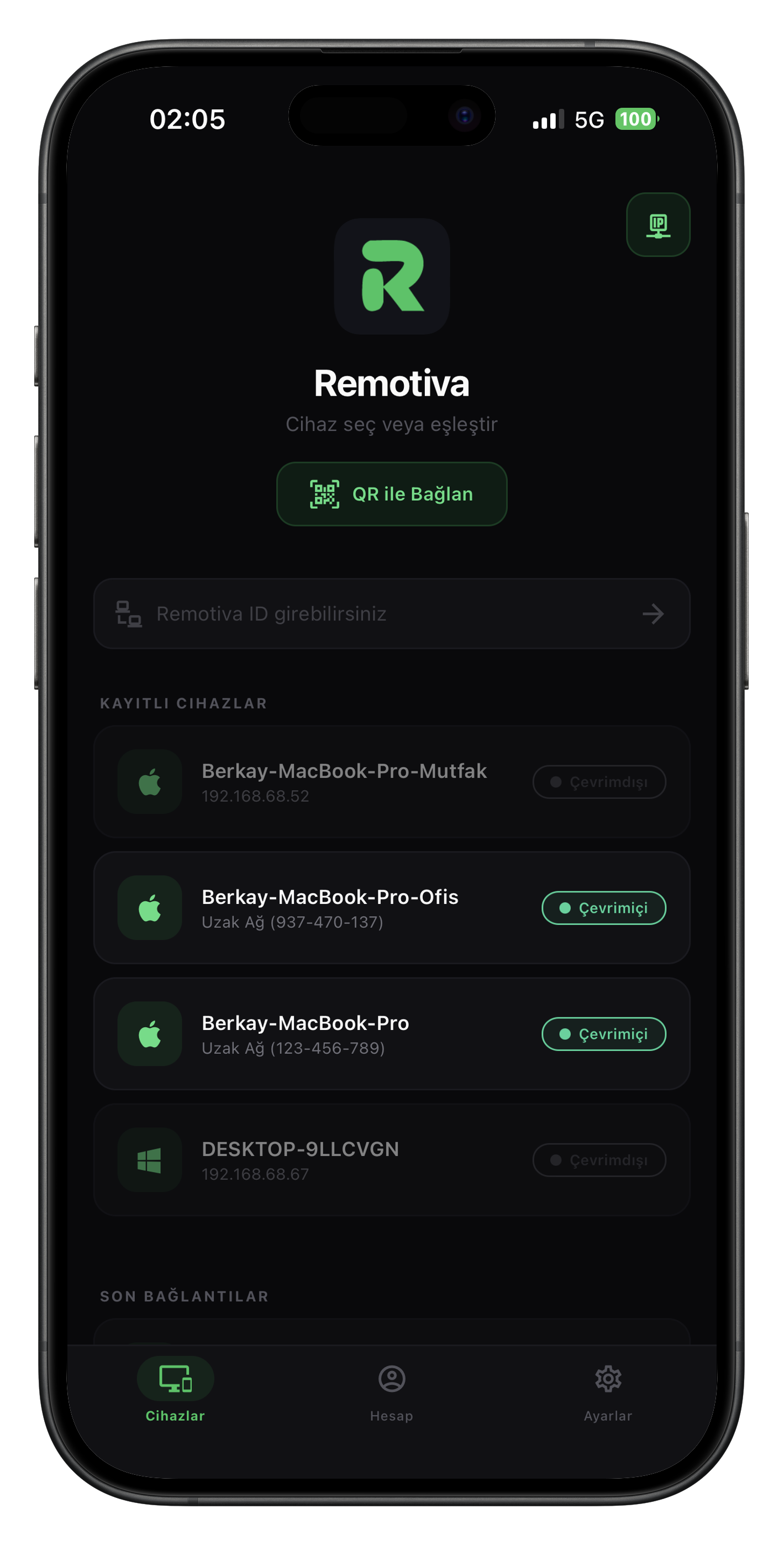
Remotiva ID
PIN approval
P2P · end-to-end
One ID. One PIN. The desktop in front of you.
Connect to another computer, see and control the remote desktop in a window. What changes by plan is below.
| Feature | Free $0 | Premium $2.99/mo | Max $4.99/mo |
|---|---|---|---|
| Simultaneous connections | 1 | 3 | 5 |
| Paired devices | 1 | 3 | 10 |
| File manager | Not included | 1 MB/s | Unlimited |
| Clipboard sync | Not included | Not included | Included |
| Remote access (other network) | Not included | Included | Included |
Desktop app macOS · Ready Windows · Coming soon Linux · Coming soon