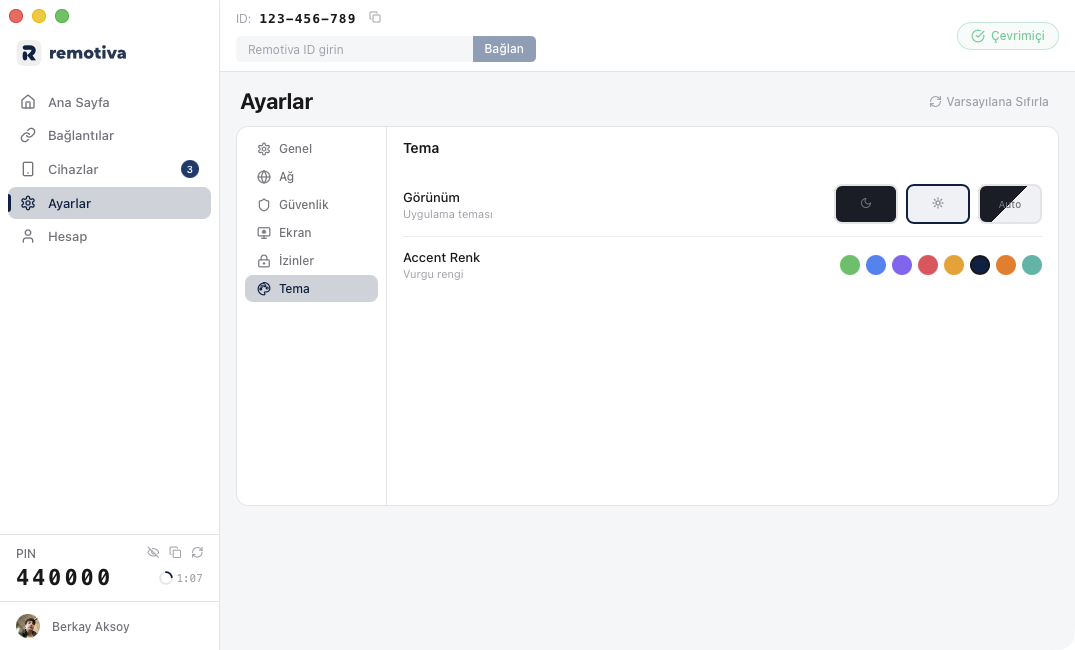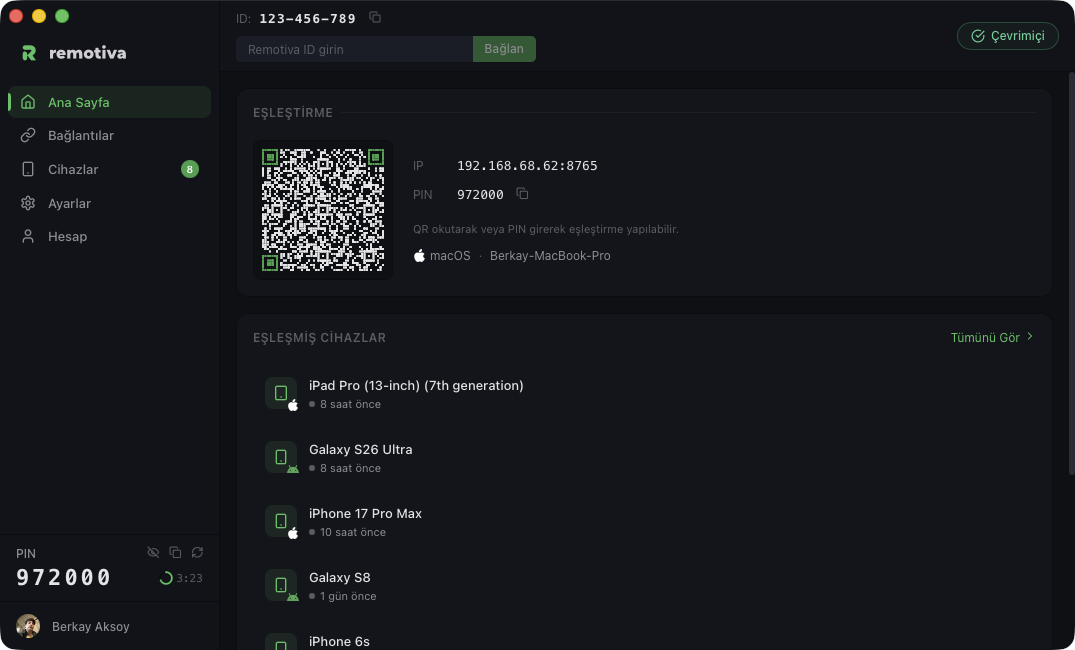
Remotiva desktop
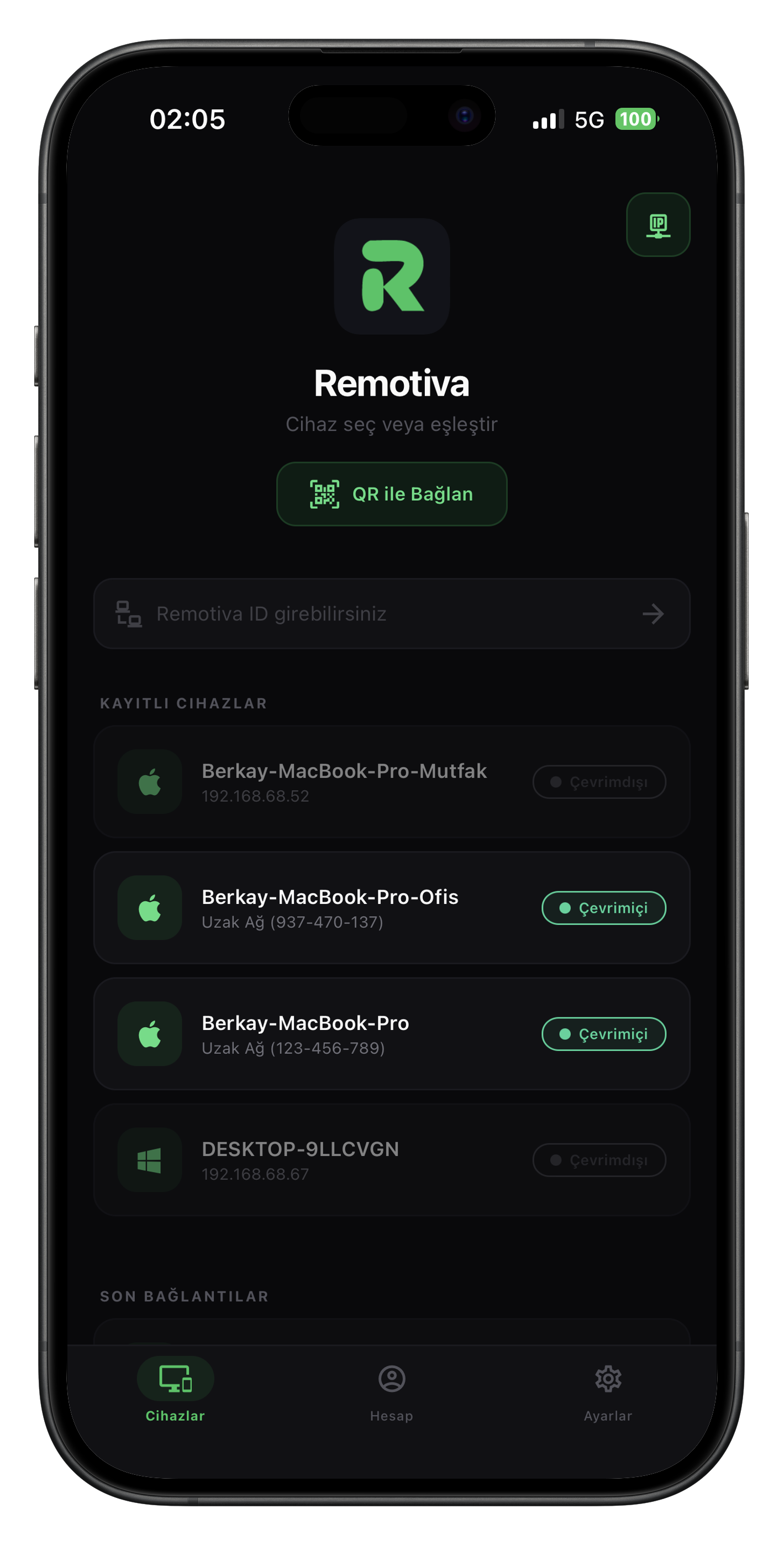
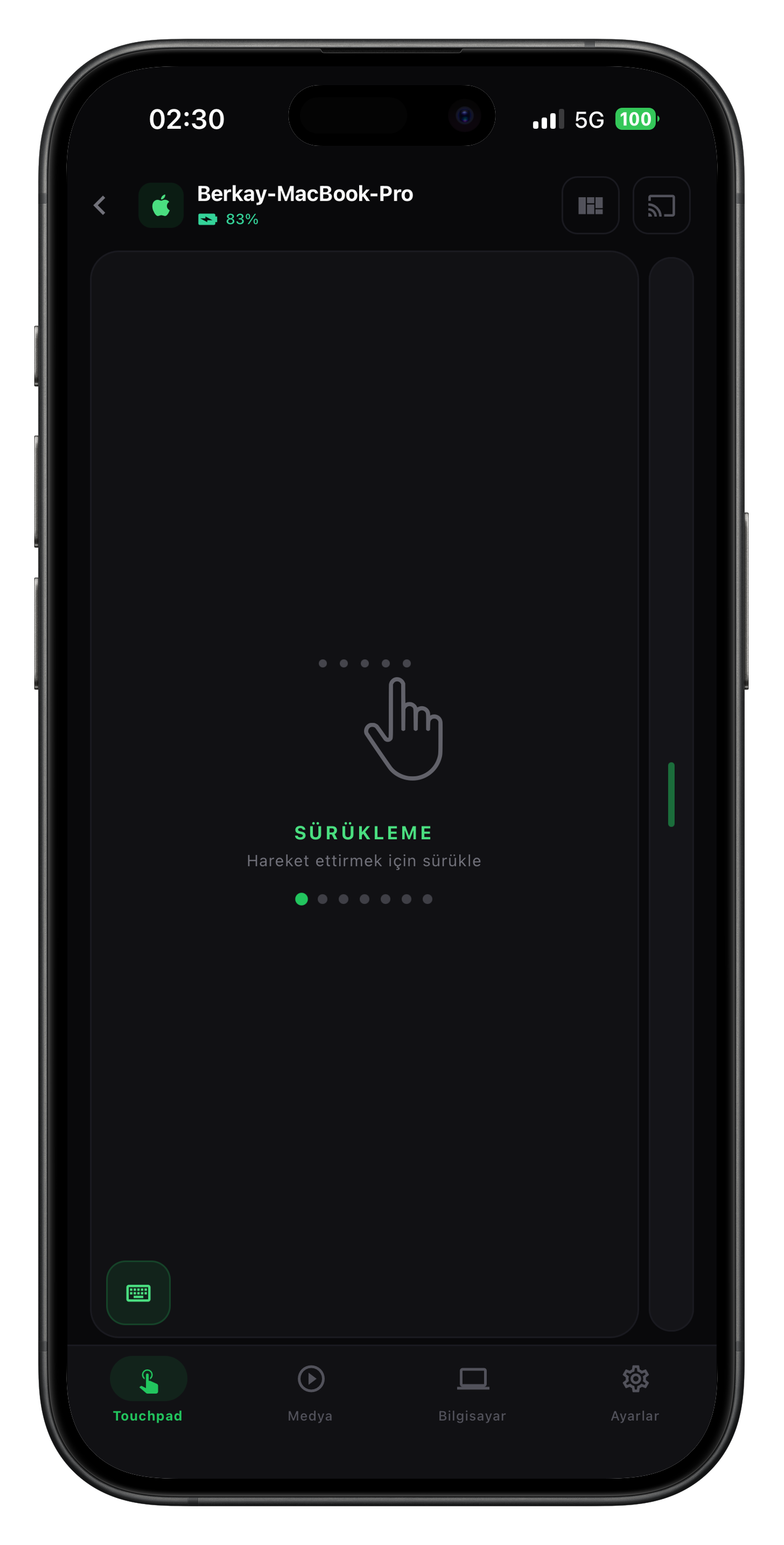
Remotiva mobile
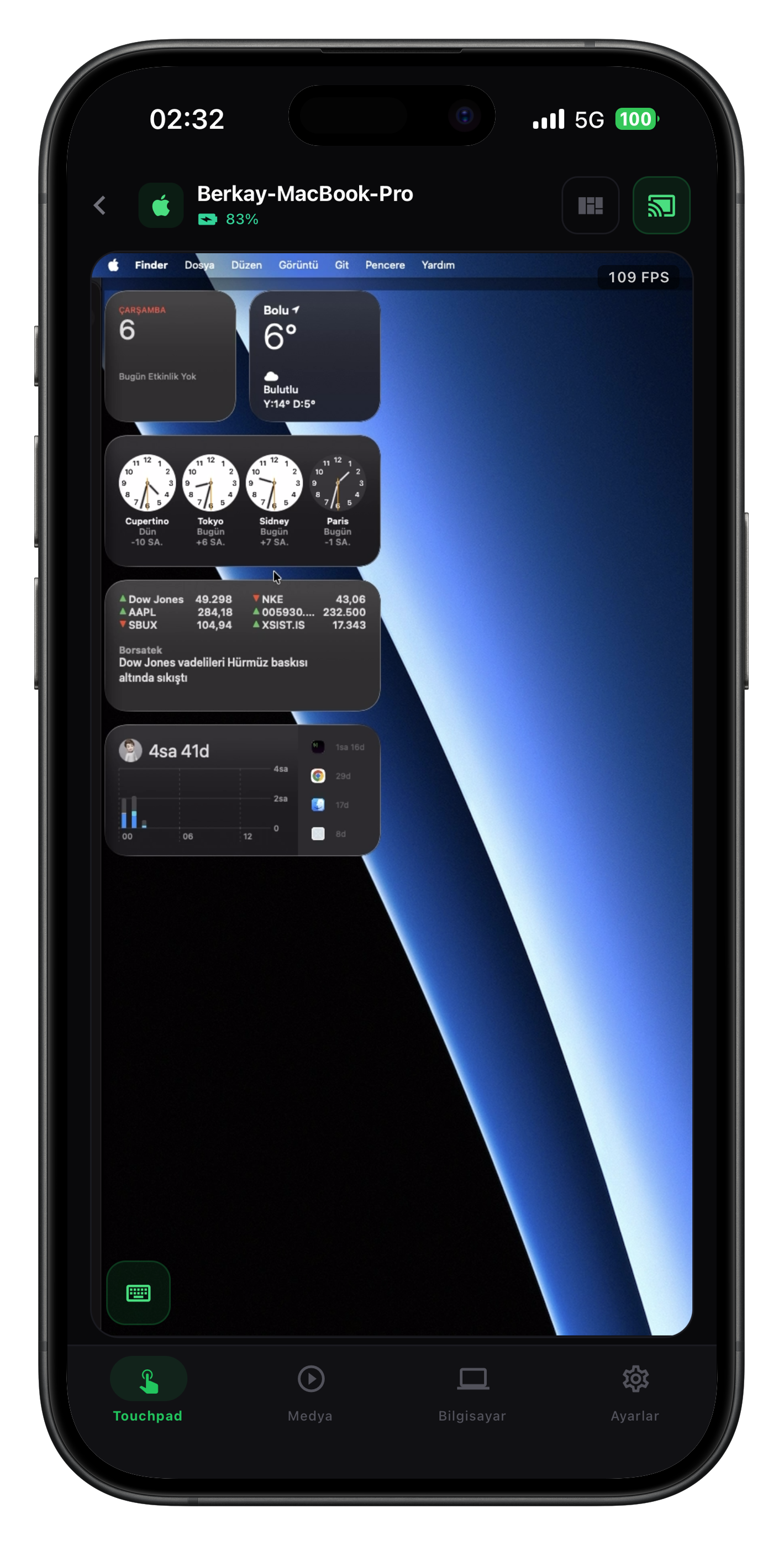
Touchpad
Screen mirror
Available for macOS

Your computer,
in your pocket.

Remotiva builds a private bridge between your desktop and your phone. Low-latency screen streaming, precise touchpad, full keyboard and media control — all in one tap.

Scroll down
Discovery

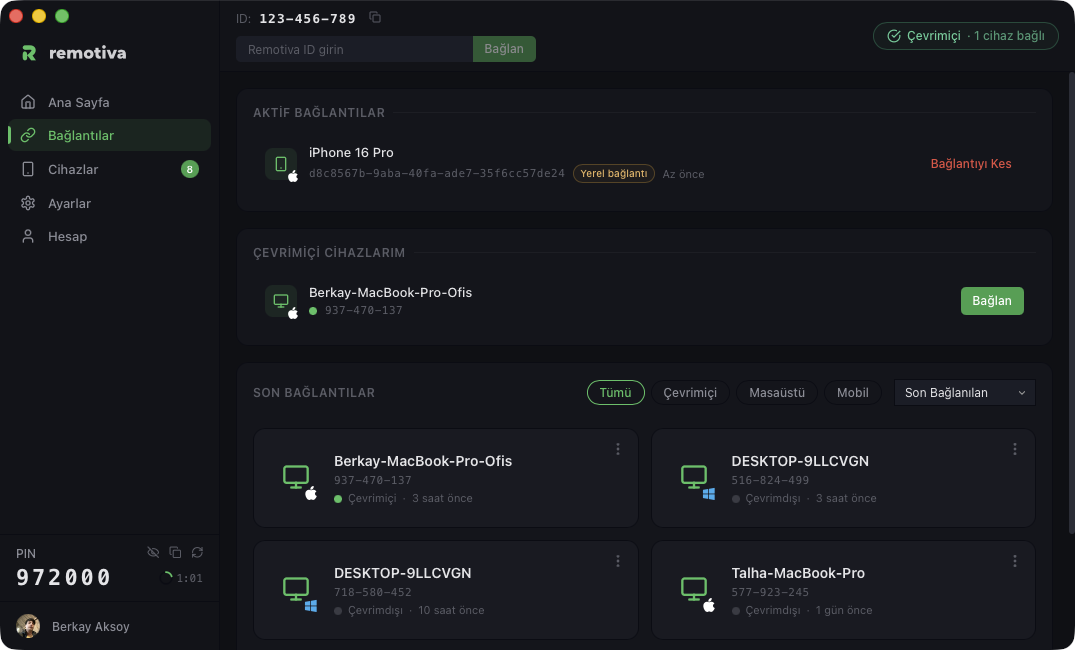
See your devices in one place.

Pair in seconds with QR, verify with PIN. Your paired devices, connection status and session history — all at a glance.

Download for macOS
Connections
Touchpad

Feels like a trackpad.

Precise finger tracking, multi-touch gestures, adjustable speed. Mirrors macOS's native trackpad behavior pixel for pixel.

Tap to click Two-finger scroll Pinch to zoom Three-finger swipe
Touchpad
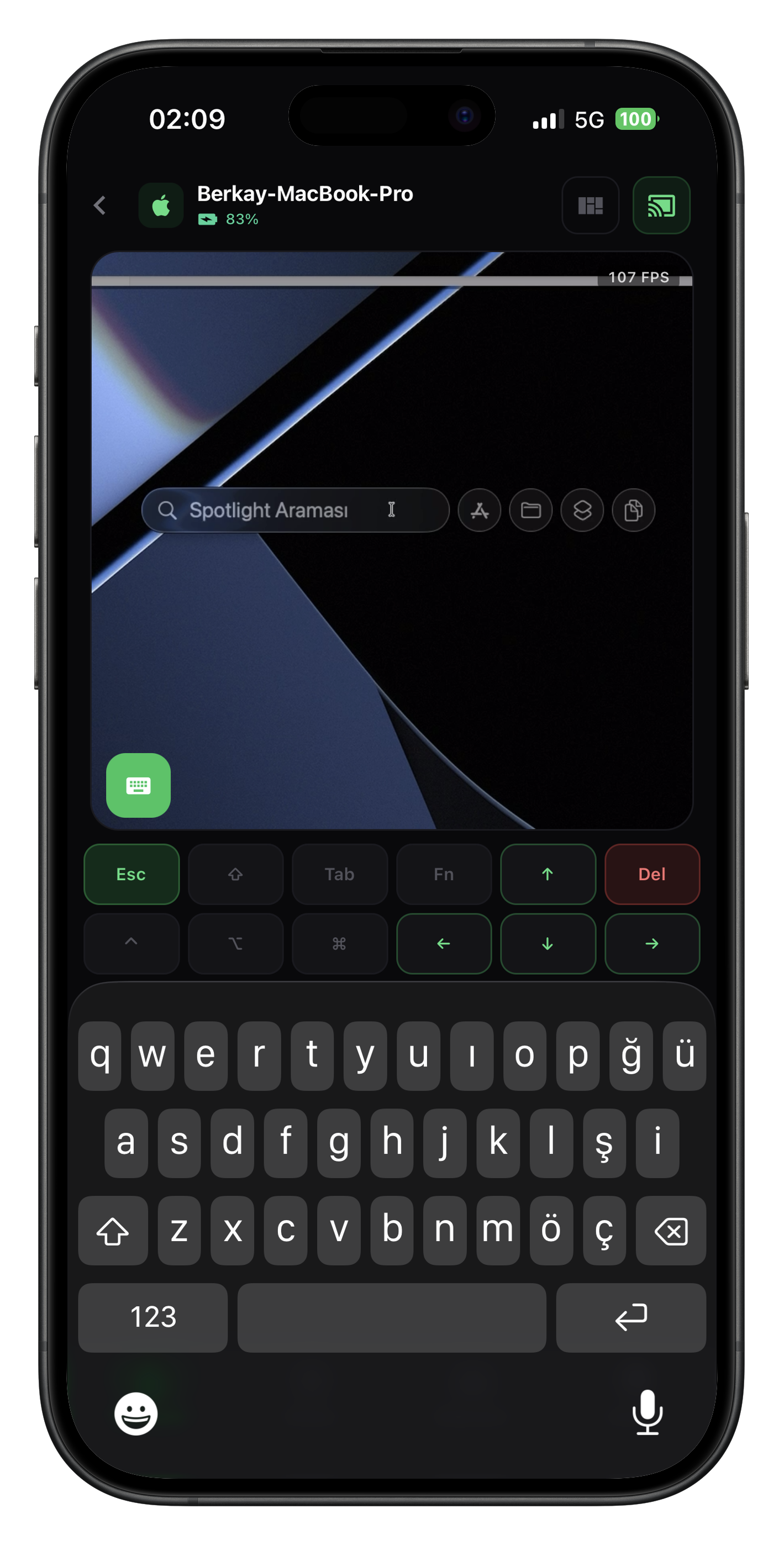
Keyboard

Every key at your fingertips.

Turkish Q, English, function keys, modifier combinations. ⌘ + Tab, ⌥ + Space — send anything, get instant response.

Keyboard
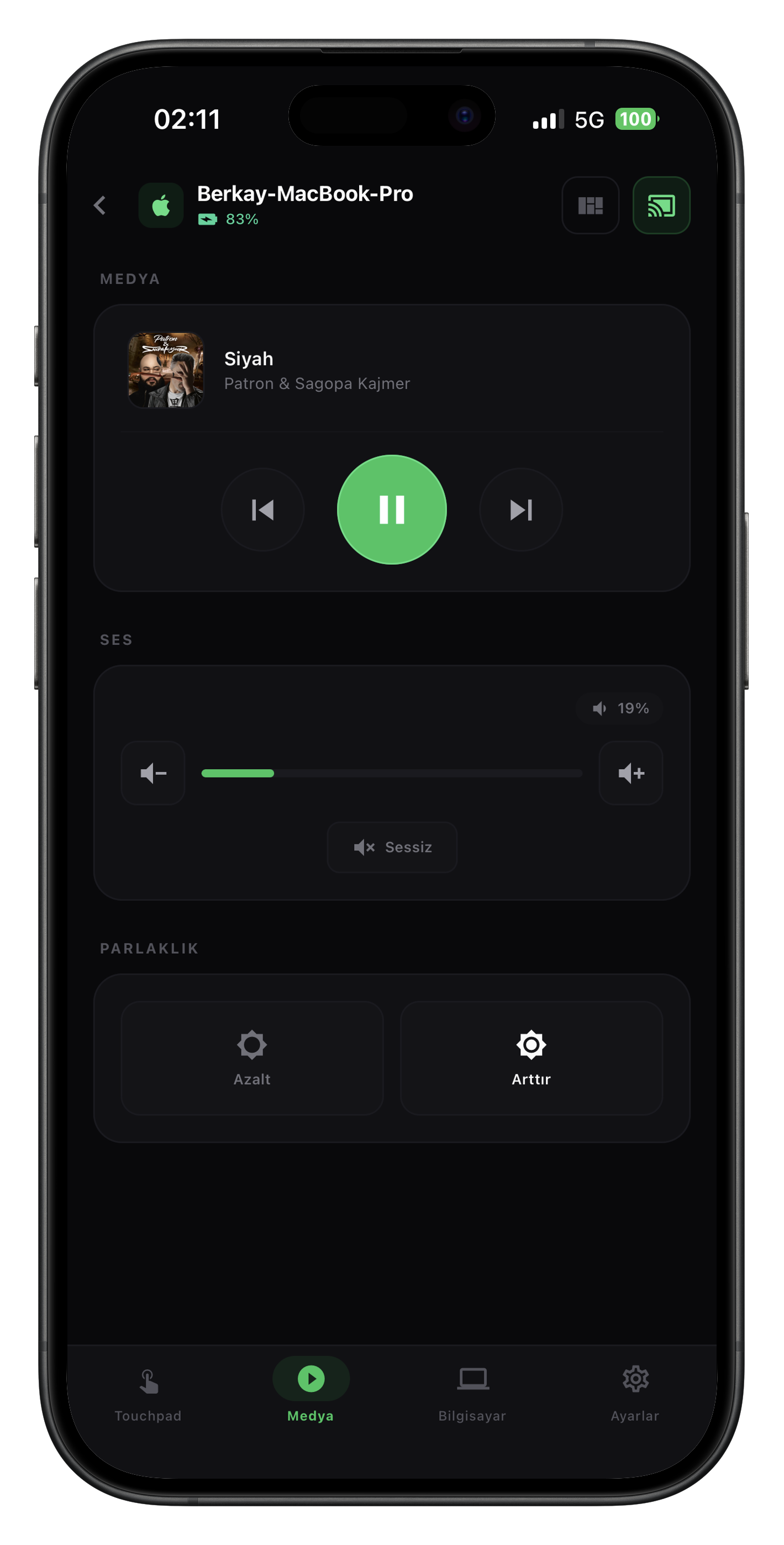
Media

Whatever's playing, in your hand.

Spotify, Apple Music, system player — whichever it is. See what's playing, play, pause, skip back and forth.

Media
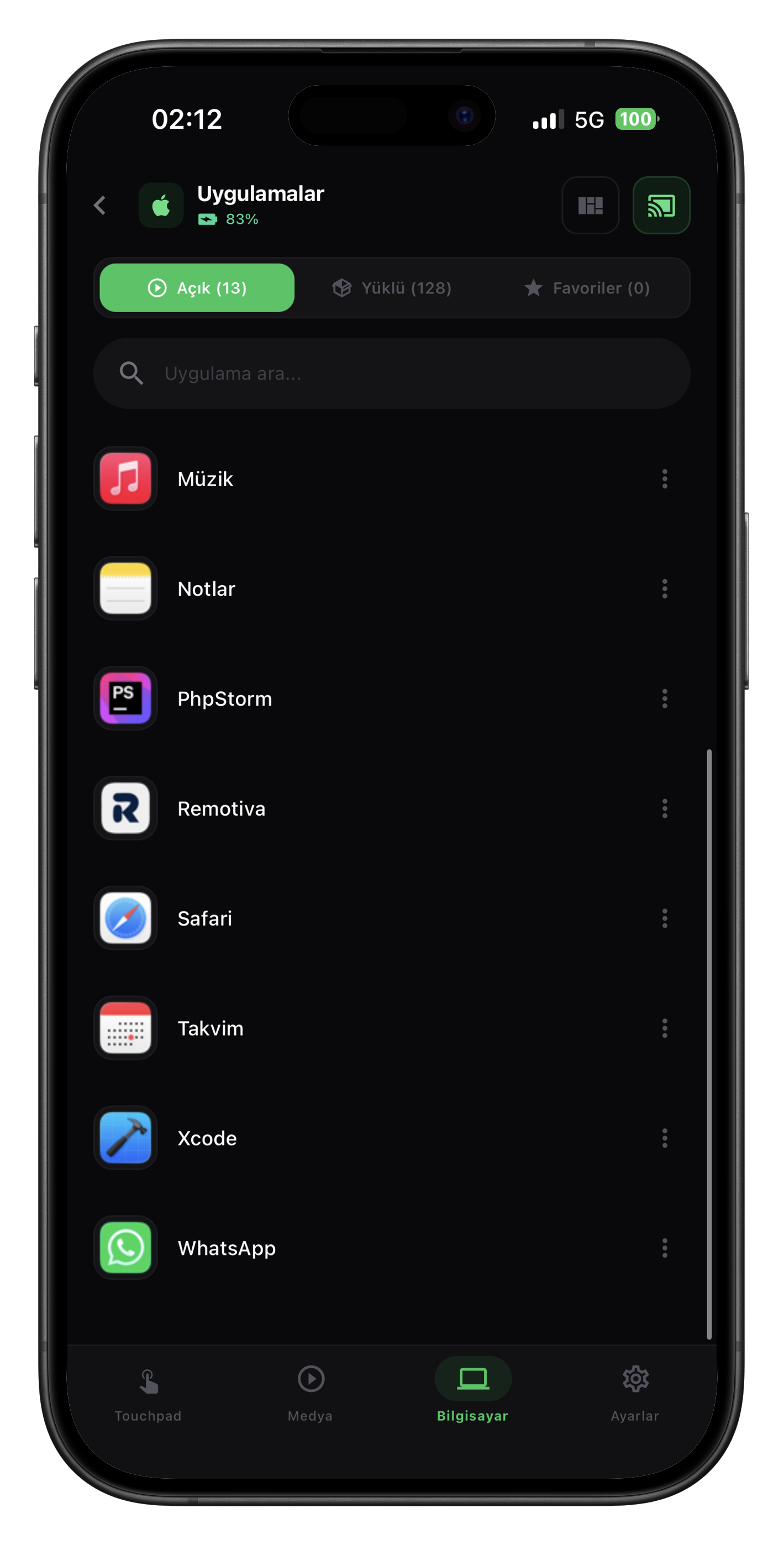
Apps

Everything on your computer, on your phone.

View open apps, focus, close. Three-finger swipe between apps, run quick actions with a single tap.

Apps
Screen mirroring

Mac on your phone.

H.265 hardware encoding, WebRTC P2P. Up to 120 FPS live view, portrait mode for one-handed use.

Latency
28 ms
Frames per second
120 FPS
Codec
H.265
Live screen mirror
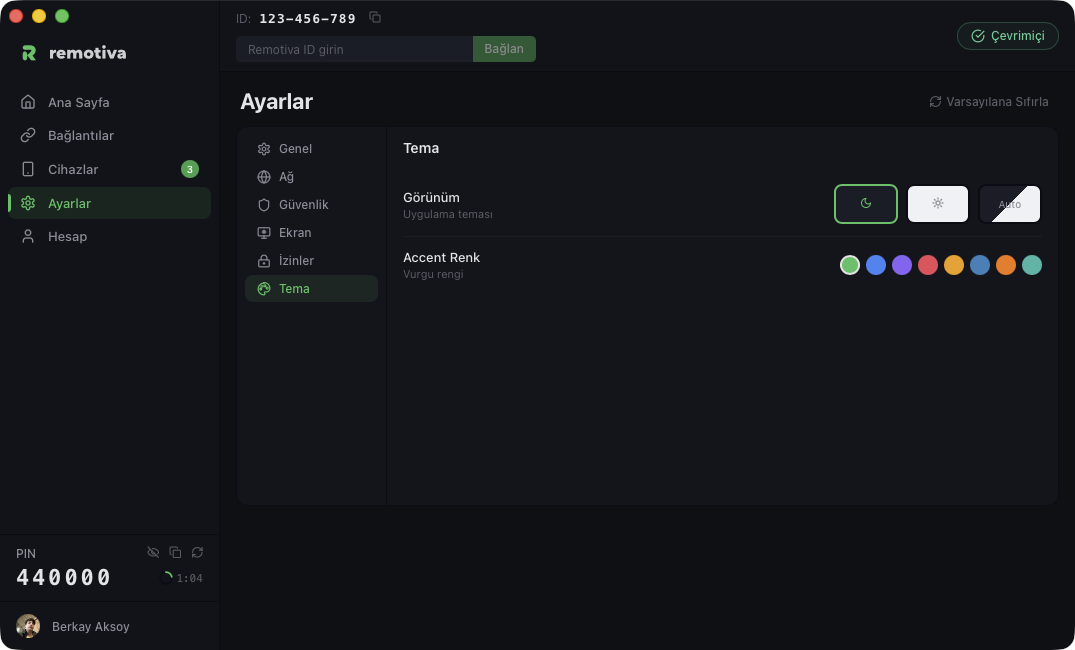
Appearance

Built around your style.

Dark and light themes — follows your system preference, swap manually whenever you want.

Dark
Dark theme
Light
Light theme
How it works

Ready in three steps

No complex setup, no mandatory account. Connect in seconds.

01

Install on desktop

Download the desktop app, run it. Lives quietly in the system tray, no resource hog.

02

Pair your phone

Open the iOS or Android app. Scan the QR code to pair instantly; if you're on the same network, no QR needed — your device is auto-discovered.

03

Start controlling

QR pairing confirms automatically; manual and desktop-to-desktop connections require PIN approval. After that, P2P + end-to-end encrypted.

Pricing

Simple, fair, scalable

Try free first, scale as you grow. Cancel anytime, money-back refund.

Free
$0 /mo

Essentials for personal use.

Start free
  • 1 paired device
  • Touchpad + keyboard + media
  • Low-res screen (720p)
  • 30 FPS, H.264
Standard
$4 /mo

For everyday remote access.

Choose plan
  • 3 paired devices
  • All Free features
  • 1080p, 60 FPS screen
  • H.265 hardware accelerated
  • Email support
Platforms

Erase the line between devices

Today macOS, iOS and Android. Windows and Linux coming soon.

macOS

macOS 12 Monterey and above. Signed and notarized for Apple Silicon and Intel.

Ready

Windows

Windows 10 and 11. H.265 hardware encoding verified, final tests in progress.

Soon

Linux

Ubuntu, Fedora, Arch. X11 and Wayland support planned.

Soon

Android

All Android 9+ phones and tablets.

Ready

iOS / iPadOS

iPhone and iPad. iOS 15 and above.

Ready
Security

Your data stays with you

Remotiva never routes screen or input data through our servers. The connection is established directly between two devices — peer to peer.

End-to-end encrypted

WebRTC with DTLS-SRTP. Keys rotate per session.

PIN + token auth

Two-layer verification: PIN pairs your device, token keeps the session secure throughout.

Zero-knowledge

Screen content, keystrokes, files. None of it touches our servers.

Open audit

All connection events stored on your device. Inspect, audit, clear them whenever you want.

Let's get started

Download Free now. No credit card, no sign-up.